Erase BG from MP4 Video: Fast Video Background Removal, Tran...
BGRemover Editorial
Author
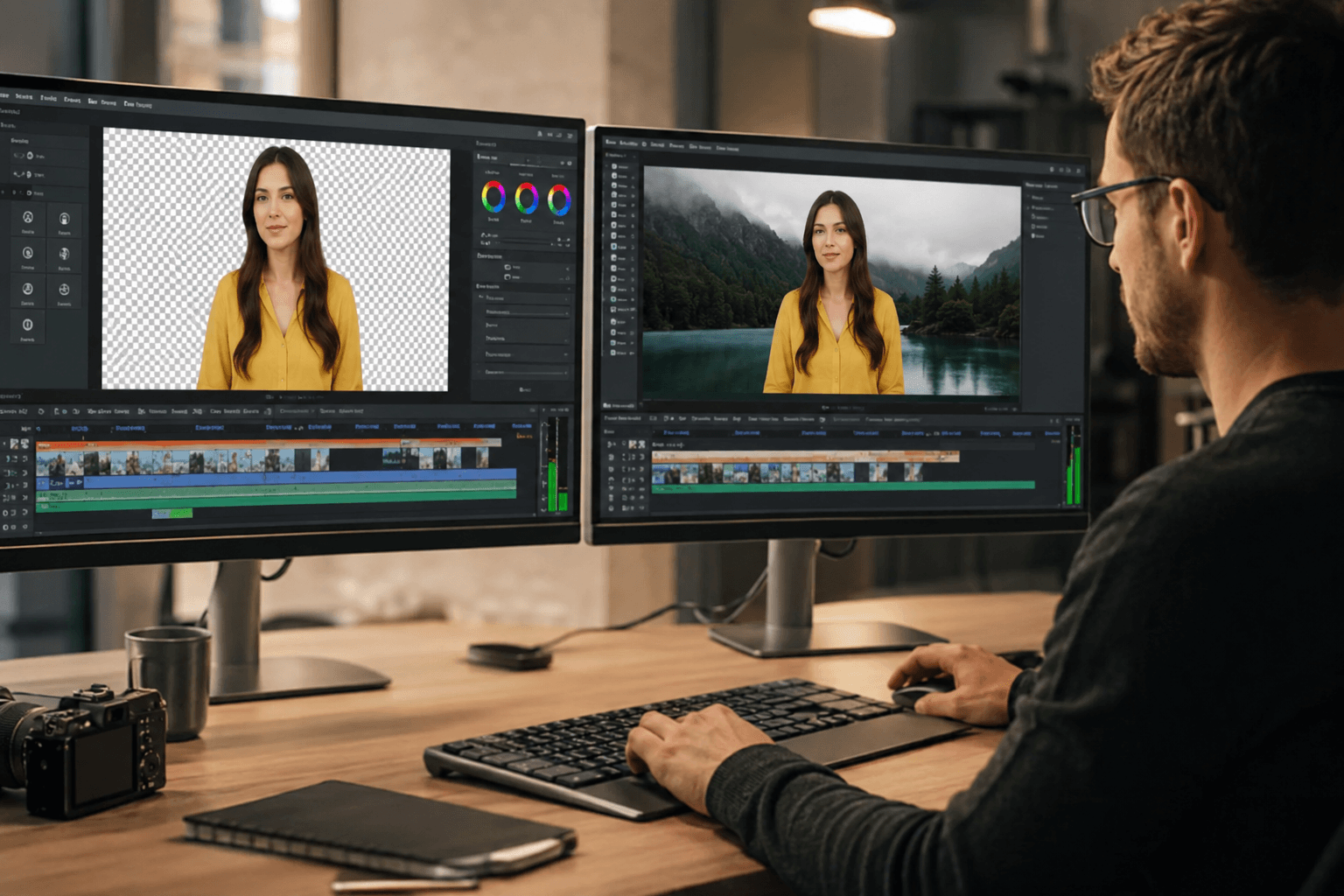
If you typed “erase bg from mp4”, you almost certainly want video background removal, not a single photo edit. Creators, performance marketers, and comms teams reuse that phrasing because meme tools and mobile apps branded the words erase and bg together. This guide maps the intent to a reliable MP4 workflow on desktop or cloud—no DIY green wall required.
Answer first: what “erase bg” means for MP4
Erasing the background removes pixels behind your subject so you can composite a new scene, blur only the backdrop, or export a premultiplied alpha MOV/WebM downstream. MP4 itself is a delivery container—most MP4s arrive with H.264—which does not store an alpha channel the way ProRes 4444 might. That is fine: services like BGRemover.video regenerate a clean matte and let you export formats that support transparency or drop the cutout back into your NLE.
When teams choose MP4 background removal
Paid social and UGC: Rapid experiments need quick turnaround. MP4 is what phones and cheap recorders produce by default.
Web landing pages: Lightweight MP4 loops load fast. Removing busy office backgrounds keeps attention on the spokesperson.
Education and internal comms: Subject-matter experts record in imperfect rooms; erasing clutter reads as more professional than cropping tight.
Prerequisites that keep quality high
Lighting: Soft, even light on the face or product reduces harsh shadows that confuse edge models.
Contrast: A subject that separates from the wall—wardrobe color, depth—reduces spill.
Resolution: Start with the highest practical source. Upscaling after matting rarely fixes hair detail.
Step 1 — Upload the MP4 source
Drag the file into BGRemover.video. The UI ingests standard MP4 codecs; if you shot LOG or 10-bit, consider a flat Rec.709 bake before upload when working on strict browser pipelines.
Step 2 — Let the model erase the backdrop
Modern matting predicts a per-pixel alpha without chroma keys. Expect strong results on hair, motion blur on hands, and translucency on glasses—with occasional manual cleanup in your editor if the scene was extremely noisy.
Step 3 — Export with your destination in mind
Need transparency for overlays? Export to codecs or containers your editor expects (often PNG sequences, MOV with alpha, or WebM VP9 depending on toolchain).
Need speed for social? Re-encode trimmed MP4 with a blurred or branded replacement plate generated inside the same session.
Batch through API credits when catalogs scale beyond manual uploads.
Erase-bg SEO vs canonical product hubs
Because “erase bg” overlaps branded competitor queries, BGRemover.video also publishes synonym-specific routes—but each points a canonical URL at the authoritative remove-bg hub so rankings consolidate. Readers win either way; search engines deduplicate overlapping copy.
See the companion article Erase BG vs BGRemover.video — workflow comparison.
FAQ
Is erasing BG destructive to my MP4?
You always retain the untouched source file locally. Processing happens on copies.
Does this replace Rotoscoping?
For many talking-head clips, yes. Hero VFX plates with heavy motion blur may still need artist touch-up.
Can I reuse the matte in DaVinci Resolve or Premiere?
Yes—export transparency-friendly formats or import keyed ProRes equivalents from BGRemover then finish color inside your NLE.
Conclusion
Erase bg from MP4 is normal language for a technical task—background removal—with real production constraints around codecs and alpha. BGRemover.video keeps the Upload → Matte → Export loop short enough foralways-on experimentation.
Ready to try it? Jump to /en/product/remove-bg-from-mp4 for specifications tuned to creators who prefer the canonical phrasing—or start directly from the /en/upload flow.